



Build
CodeLM
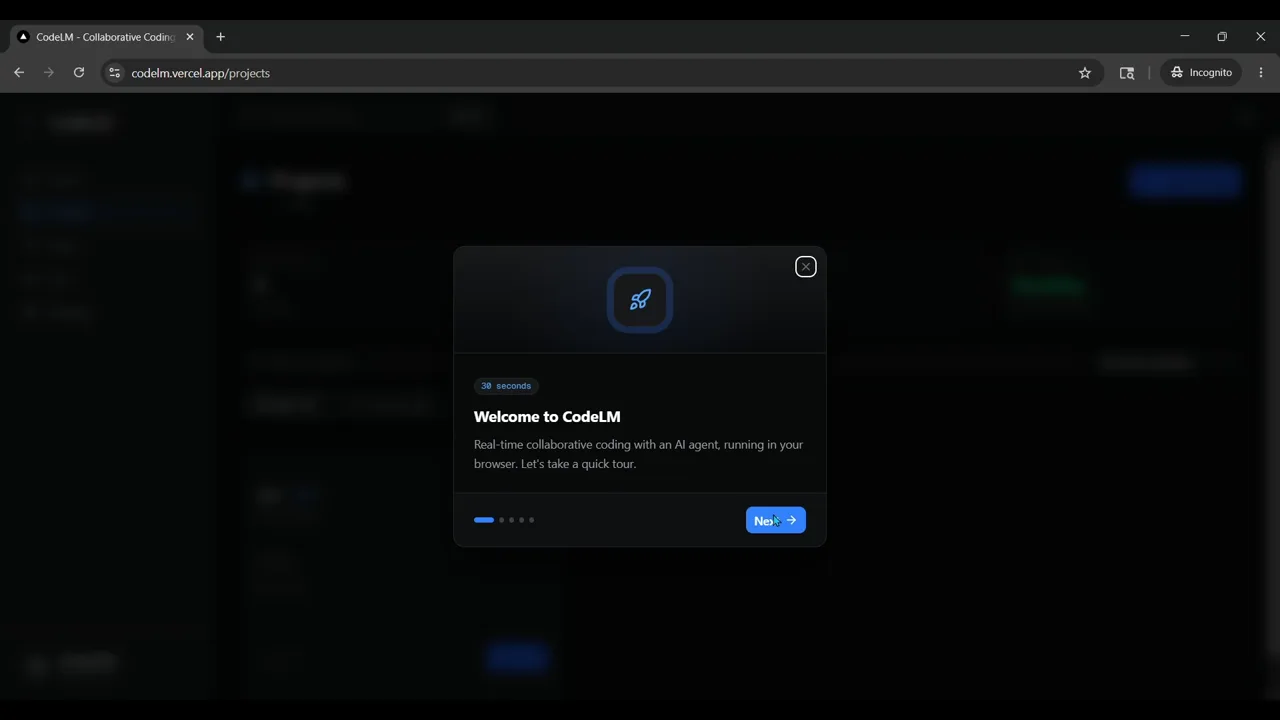
A real-time collaborative AI coding platform. A shared VS Code workspace per project, live editing, a multi-provider AI agent, team chat, and access control enforced down to the kernel.
- 7
- AI providers
- 5
- layers of read-only enforcement
- 1
- isolated container per project
Overview
CodeLM lets a team open the same project in the browser and code together, like a shared document for code, with an AI agent that can read files, run commands and write code on their behalf.
Every project runs in its own container. Roles decide who can do what, and read-only really means read-only. The operating system refuses the write, not just the interface.
Live collaboration
Everyone edits the same files with live cursors and selections, synced through a Yjs CRDT server that keeps its state across restarts.
An AI agent in the editor
A VS Code extension with a tool-use loop that plans, runs commands and edits files, across OpenAI, Anthropic, Gemini, OpenRouter, DeepSeek, Mistral and xAI.
Read-only, enforced by the kernel
Readers get a second VS Code instance running as an unprivileged user, so every write fails at the system level. Settings are locked, the terminal is disabled, the agent isn't installed, and the API forces plan mode.
One workspace per project
An orchestrator allocates ports, signs short-lived role tokens, starts or reuses containers, and shuts them down once the last person leaves.
Built with
Frontend
Backend
Workspace
Data & auth
 SupabasePostgresRealtime
AI providers
How a workspace opens
- 01BrowserThe Next.js app signs you in with Supabase and asks for the project.
- 02OrchestratorStarts or reuses the project's container and signs a one-hour role token.
- 03Auth proxyChecks the token inside the container and routes by role.
- 04VS CodeThe read-write instance for editors
- 05Yjs + agentLive cursors for everyone; the AI agent for editors.